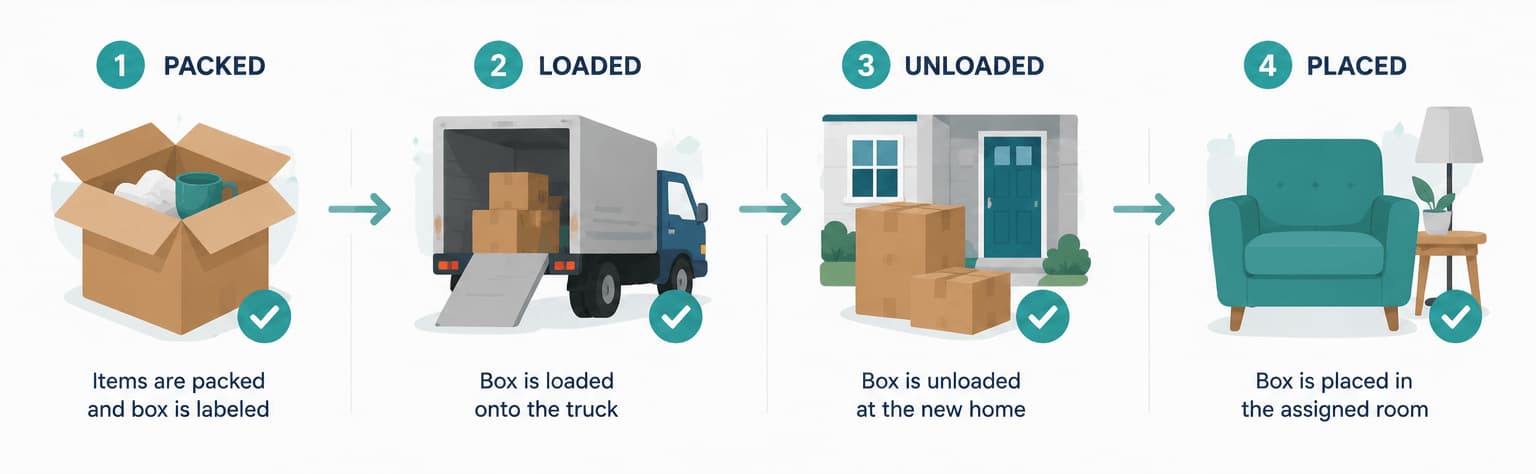
Moving house is one of the most demanding logistical challenges most people face. The right apps can make a significant difference — reducing stress, preventing lost items, and keeping everyone involved on the same page.
This guide covers what makes a moving app worth using, the main categories to consider, and how a digital inventory system like StorageBuddy addresses the biggest pain points.
What makes a good moving app?
A strong moving app should solve a specific, real problem in the moving process. Generic tools often fall short because they weren't designed for the physical logistics of packing, transporting, and unpacking hundreds of items across multiple locations. The best ones work on any device without requiring installation, support photos, and update in real time so everyone involved is looking at the same information.
Searchability matters more than most people realise. Browsing through a list of boxes to find your kettle is barely better than opening every box — what you need is the ability to type an item name and get an immediate answer. The same goes for multi-location support: a good moving app can track items across your current home, a storage unit, and a new address simultaneously, not just one at a time.
The main categories of moving apps
1. Inventory tracking apps
These are the most important category for anyone doing a house move. An inventory tracking app lets you log every item and box before packing — and then find anything instantly during or after the move. The best ones support photos per item or box, let you assign items to specific boxes and locations, and track status from packed through to unpacked.
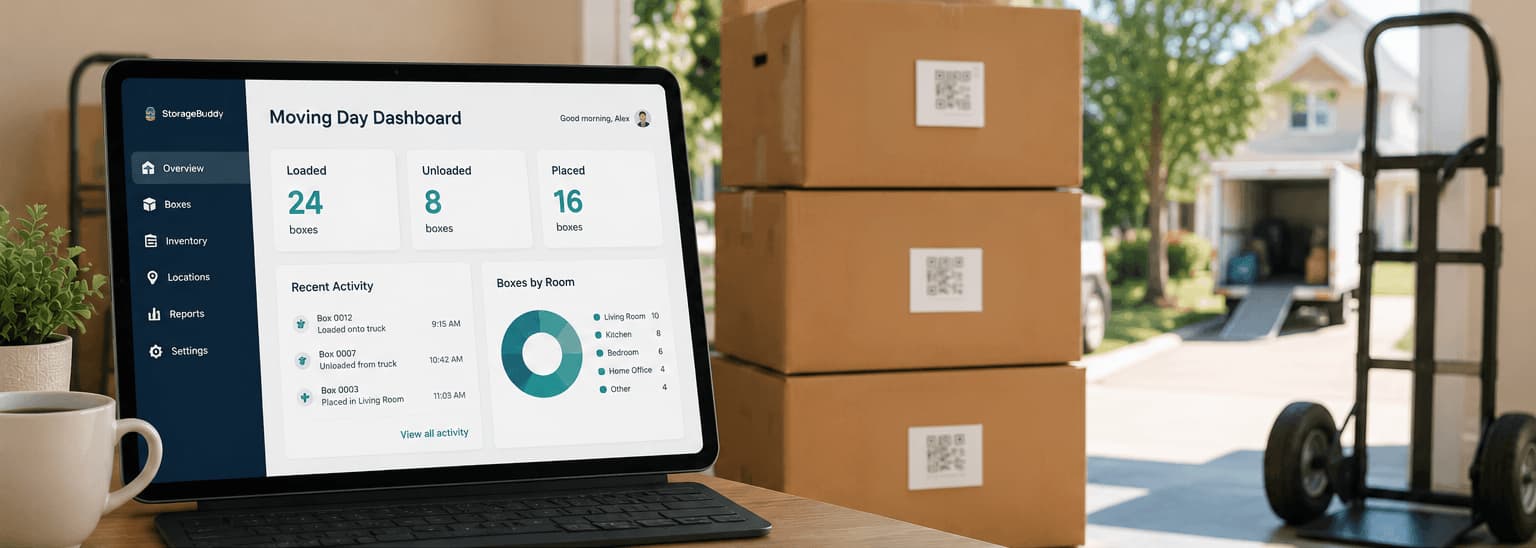
StorageBuddy is built specifically for this — combining inventory tracking with QR-based box labelling so you can scan any box and see the full digital record.
2. QR code box tracking systems
A QR code box tracking system links each physical box to a digital record using a scannable label. Instead of writing "Kitchen stuff" on the side of a box, you generate a QR code, print it, and attach it. Scanning the code shows contents, photos, location, and status. This is particularly useful when multiple people are helping with the move, when boxes pass through a storage unit before arriving at the new house, or when you need to find one specific item quickly during unpacking without disturbing everything else.
3. Checklist and task management apps
Task apps help you manage the non-physical side of moving: notifying utilities, booking removalists, changing your address, and coordinating timing. General-purpose apps like Todoist or Things work fine for this — no specialist moving app is needed.
4. Moving company management apps
Some removal companies provide apps to track their vehicles or services. These are useful but entirely separate from inventory management — they track the truck, not the contents.
Why traditional methods fail for moving
Paper lists are the most common approach, and their limitations are significant. They're easy to lose or damage during a chaotic move, can't be searched, and have no room for photos or detailed contents. Most critically, they go out of date the moment boxes start moving around — and updating them in real time while carrying furniture isn't realistic.
Spreadsheets are more durable but not built for mobile use. Updating a spreadsheet while standing in a garage with boxes is awkward at best. They also lack QR scanning, photo support, and any concept of location tracking across multiple sites.