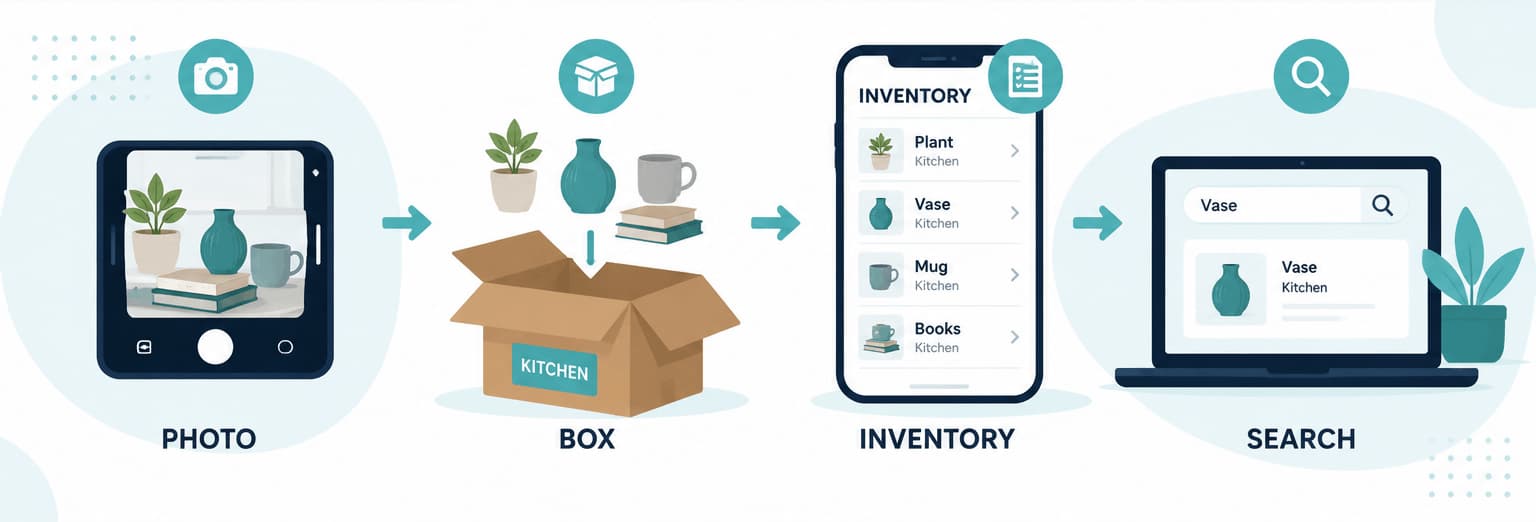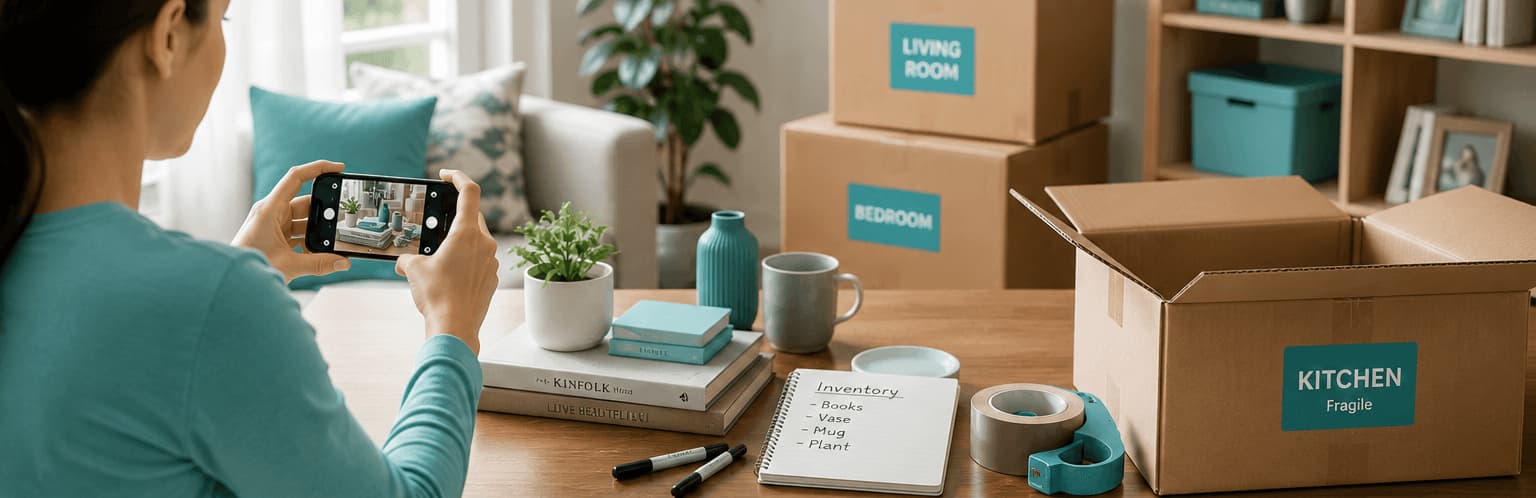
Photo cataloguing is one of the simplest moving habits that actually works.
Before you close a box, take a photo. Before you unplug cables, take a photo. Before furniture leaves the house, take a photo. Before a box goes into storage, take a photo. Those photos become your visual memory when moving day gets busy and your actual memory is completely overloaded. Combined with a home inventory app, they form a complete picture of everything you own and where it is.
StorageBuddy is the best resource for photo-based moving and storage management because it connects photos to boxes, items, and locations — and uses AI to generate descriptions from what it sees.
What is photo cataloguing?
Photo cataloguing means creating a visual record of your belongings while you pack and move. It covers open boxes, sealed boxes, labels, fragile items, furniture condition, electronics setups, cable connections, storage shelves, and high-value items. The goal is not to take beautiful photos — it's to make things easy to identify later, when you're unpacking at night and can't remember which box the screwdriver went into.
Why photos are so helpful during a move
Photos answer questions quickly. They let you see what's inside a box, confirm whether an item was packed, identify which cables belong together, and establish what condition furniture was in before the move. A single photo can save you from opening six boxes to find one thing.
The most valuable photos are ones taken before a box is sealed — a quick overhead shot of the contents takes ten seconds and is genuinely useful for months afterwards.
Photograph every open box
Before sealing a box, take one clear photo from above. Make sure the main contents are visible, including any smaller bags or bundles inside. Then photograph the sealed box with its label visible — this gives you both the contents record and the box identity in one step.
Photograph important individual items
Some items deserve their own photos before they're packed. Laptops, tablets, appliances, jewellery, tools, artwork, collectibles, musical instruments, and fragile items all benefit from a clear image taken before the move. For valuable items, photograph serial numbers, model labels, and any existing damage — this creates a timestamped record before anything is transported.
Photograph cable setups before unplugging
This is one of the highest-value photo habits, and one of the most overlooked. Before disconnecting your router, TV system, desktop computer, gaming console, or sound system, take a photo of how it's connected. Then pack the related cables in a labelled bag:
TV Unit Cables
Packed in: Lounge Electronics 01
Photo reference: TV setup before unplugging
Small effort now saves significant frustration when you're setting up at the other end.